Trending Diwali Reels VN Template Code Editing 2026
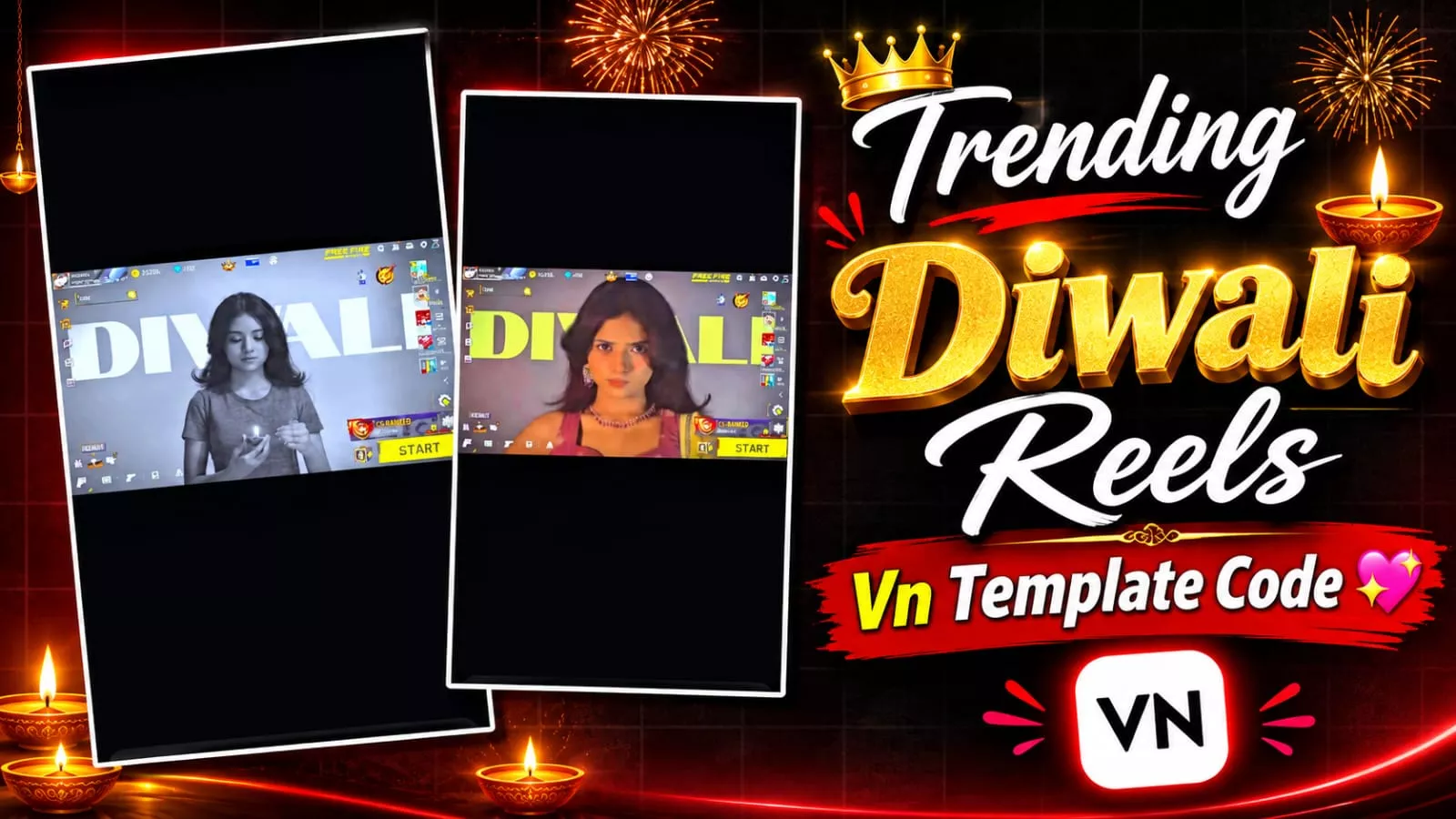
Diwali is a festival of lights, happiness, and beautiful memories. Many people love sharing their Diwali celebrations through Instagram Reels, Facebook Reels, and YouTube Shorts. If you want to create an attractive festive video without spending hours editing, the Trending Diwali Reels VN Template Code can help. Also see more vn templates from our site vn template code
With the VN Video Editor, you can create stylish Diwali videos using your favorite photos, celebration clips, and festive music. Add smooth transitions, glowing effects, and colorful visuals to give your video a beautiful look.
In this guide, you will learn how to use a Diwali VN template, create festive reels, and make your video more attractive for social media.
What Is Trending Diwali Reels VN Template Code?
The Trending Diwali Reels VN Template Code is associated with ready-made video editing projects that help users create Diwali-themed videos in VN Video Editor. Depending on the available template, you can add your own photos and clips while keeping the original transition style and effects.
These templates are useful for creating festival greetings, family memories, traditional outfit edits, diya videos, and celebration reels.
A compatible VN template may include:
Note: Template codes and availability may vary. Use a working code from a reliable source, and check whether it is compatible with your version of VN Video Editor.
Why Is the Diwali VN Template Popular?
These are some reasons to try a Diwali VN template:
1. Easy Video Editing
You do not need to create every transition manually. Choose a suitable template and replace the sample media with your own content.
2. Beautiful Festival Effects
Use glowing lights, colorful transitions, and festive visuals to give your reel a Diwali-inspired look.
3. Perfect for Instagram Reels
Vertical video templates are suitable for Instagram Reels and other short-video platforms when exported in the correct format.
4. Personalized Diwali Memories
Add pictures of your family, friends, traditional outfits, home decorations, and Diwali celebrations.
5. Quick Social Media Content
A ready-made template can help you create a festive video faster than editing every scene from scratch.
How to Use the Diwali VN Template Code
Follow these steps to create your Diwali reel.
Step 1: Install VN Video Editor
Open the official app store on your device and install VN Video Editor if you do not already have it.
Step 2: Find a Diwali VN Template
Look for a Diwali-themed VN template that matches your preferred editing style. Check that its code or project link is available and working.
Step 3: Open the Template
Follow the instructions provided with the template to open or import it into VN. The exact process depends on how the creator has shared the project.
Step 4: Add Your Photos and Clips
Select clear pictures of your Diwali celebration. You can use traditional outfit photos, family pictures, diya decorations, rangoli designs, or festive moments.
Step 5: Adjust the Music
Choose suitable festive music or another track you are permitted to use. If the template includes audio, check that it works correctly.
Step 6: Preview the Video
Watch the complete reel before exporting it. Make sure the photos fit properly and the transitions look smooth.
Step 7: Export and Share
Save the finished video using suitable resolution settings. You can then share it on Instagram Reels, Facebook Reels, or YouTube Shorts.
Best Ideas for Trending Diwali Reels
Want to make your Diwali reel look different? Try these creative ideas.
1. Diwali Outfit Transition
Start with a casual photo and transition into a traditional outfit look. Use a clear pose and matching photo angles to create a smooth transformation effect.
2. Diya and Lights Reel
Record short clips of diyas, candles, decorative lights, and your home decorations. Combine them with soft transitions for a warm festive video.
3. Family Diwali Memories
Create a slideshow of family pictures, festive meals, and celebration moments. Choose music that matches the mood of your video.
4. Diwali Selfie Transition
Use multiple selfies with different expressions or outfits. Arrange them according to the music to create a stylish reel.
5. Rangoli and Decoration Video
Show your rangoli designs, flowers, and home decorations using short clips. Simple transitions can help each detail stand out.
Tips for Creating a Viral Diwali Reel
Follow these tips to improve the quality of your video:
Common Problems and Solutions
VN Template Code Is Not Working
The code may be expired, incorrect, or incompatible with your app version. Check the original source and follow the creator’s instructions.
Photos Are Cropped Incorrectly
Open the photo settings and adjust the crop or position. Use images that fit the template’s layout.
Music Is Out of Sync
Preview the video and adjust the clip timing if the project allows it. You can also try a template designed for your selected audio.
Video Quality Is Poor
Use high-resolution source photos and suitable export settings. Avoid repeatedly compressing the same video.
Template Link Is Not Opening
Check your internet connection and confirm that the link comes from a reliable source. Do not install unknown APK files just to access a template.
Frequently Asked Questions
Conclusion
The Trending Diwali Reels VN Template Code makes it easier to create festive videos with your favorite photos, smooth transitions, and beautiful effects. Choose a suitable template, customize it with your own memories, and export your video for social media.