Jee Karda VN Template Code 2026 – Trending Reel Edit
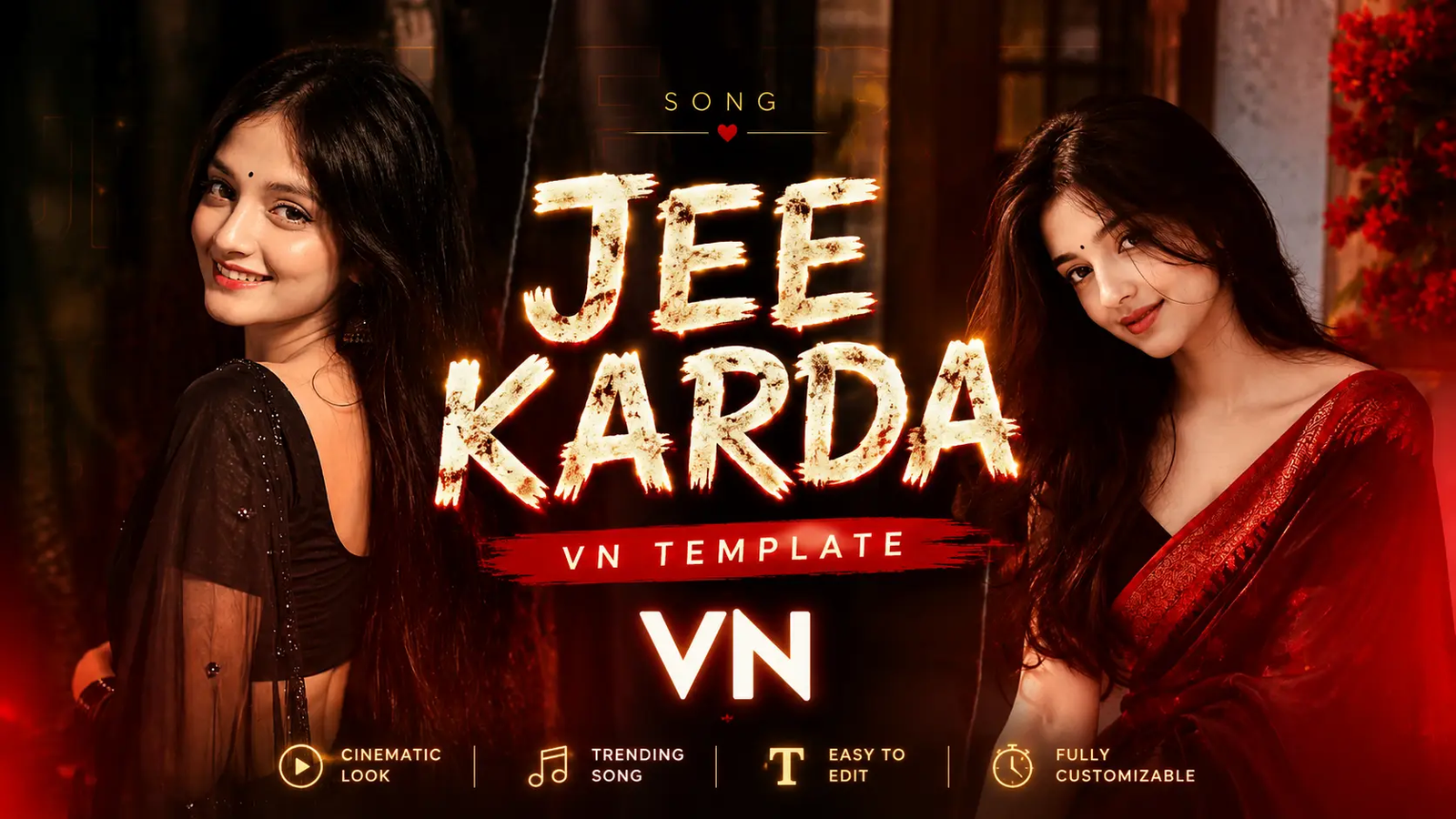
The Jee Karda VN Template 2026 is a great option for making stylish music edits using your favorite photos and clips. This editing trend gives your video a fresh look with attractive transitions, beat-sync effects, and smooth visual changes.
You don’t need to spend hours editing every clip manually. With the VN Video Editor, you can create your own version of the Jee Karda Reel in just a few simple steps. Also see our trending vn template code Whether you want to make a solo video, a stylish girl edit, or a memorable photo slideshow, this template can help you get started.
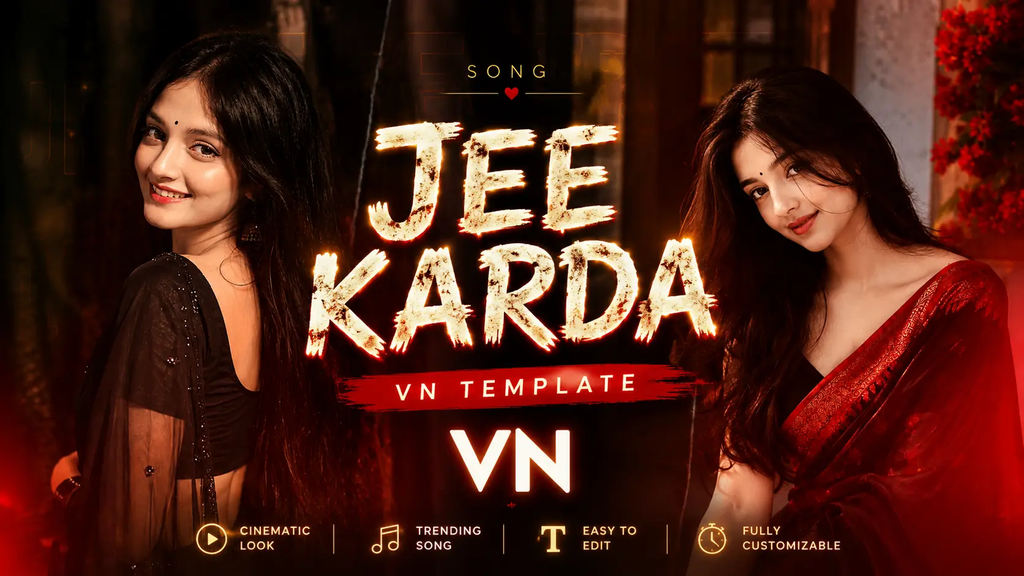
Jee Karda VN Template Code 2026
Before using the template, check its preview to see the editing pattern, transition speed, and overall video style. This makes it easier to select pictures that fit the music and effects.
Choose high-quality images and short clips so your final video looks clean and attractive.
Features of Jee Karda VN Video Editing
The Jee Karda editing style is useful for people who enjoy making short music videos. Some features you can explore include:
How to Create Jee Karda Trending Reel in VN
Creating this video is simple, even if you are new to mobile editing.
- First, install or open the VN Video Editor app.
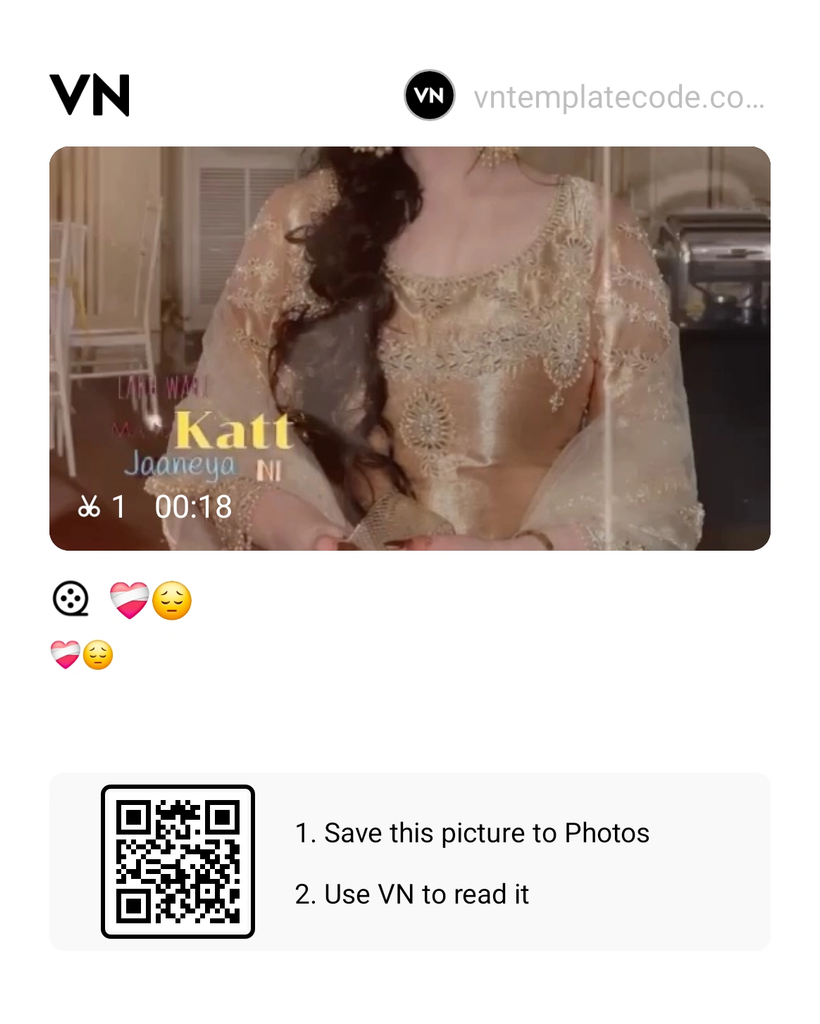
- Get the Jee Karda VN template link or QR code.
- Open the template on your mobile device.
- Add your own pictures and video clips.
- Replace the sample media with your selected photos.
- Check the timing and transitions.
- Watch the complete video before exporting.
- Save your finished edit and share it online.
Which Photos Should You Use?
The right pictures can make a big difference in your final video. Try these ideas:
For Boys: Use stylish portraits, mirror selfies, outdoor pictures, or casual outfit photos.
For Girls: Choose aesthetic selfies, traditional outfits, beautiful portraits, or natural poses.
For Couples: Add memorable pictures, romantic moments, and matching couple photos.
For Friends: Use group pictures, travel memories, and fun video clips.
Where Can You Share Your Jee Karda Video?
After completing your edit, you can upload it to different social media platforms. Instagram Reels is a popular choice for short music videos. You can also use your video as a WhatsApp Status, Facebook Reel, or YouTube Short.
Common Problems About Vn Template Code
Template link not opening: Update VN Editor and try opening the link again.
Photos not fitting properly: Select the crop or zoom option and adjust each picture.
Video quality looks blurry: Use original high-resolution photos and select a suitable export resolution.
Music is not syncing: Check the clip timing and adjust it according to the audio.
Frequently Asked Questions
VN Editor provides free editing features, but individual template links may have different availability.
Yes. You can replace the sample pictures with your favorite photos and video clips.
Conclusion
Try the Jee Karda VN Template 2026 to give your pictures a fresh and stylish video look. Select your favorite photos, follow the editing steps, and create a unique music Reel for your social media account.