2026 Memories VN Template Code – Create Stunning Year End Reels
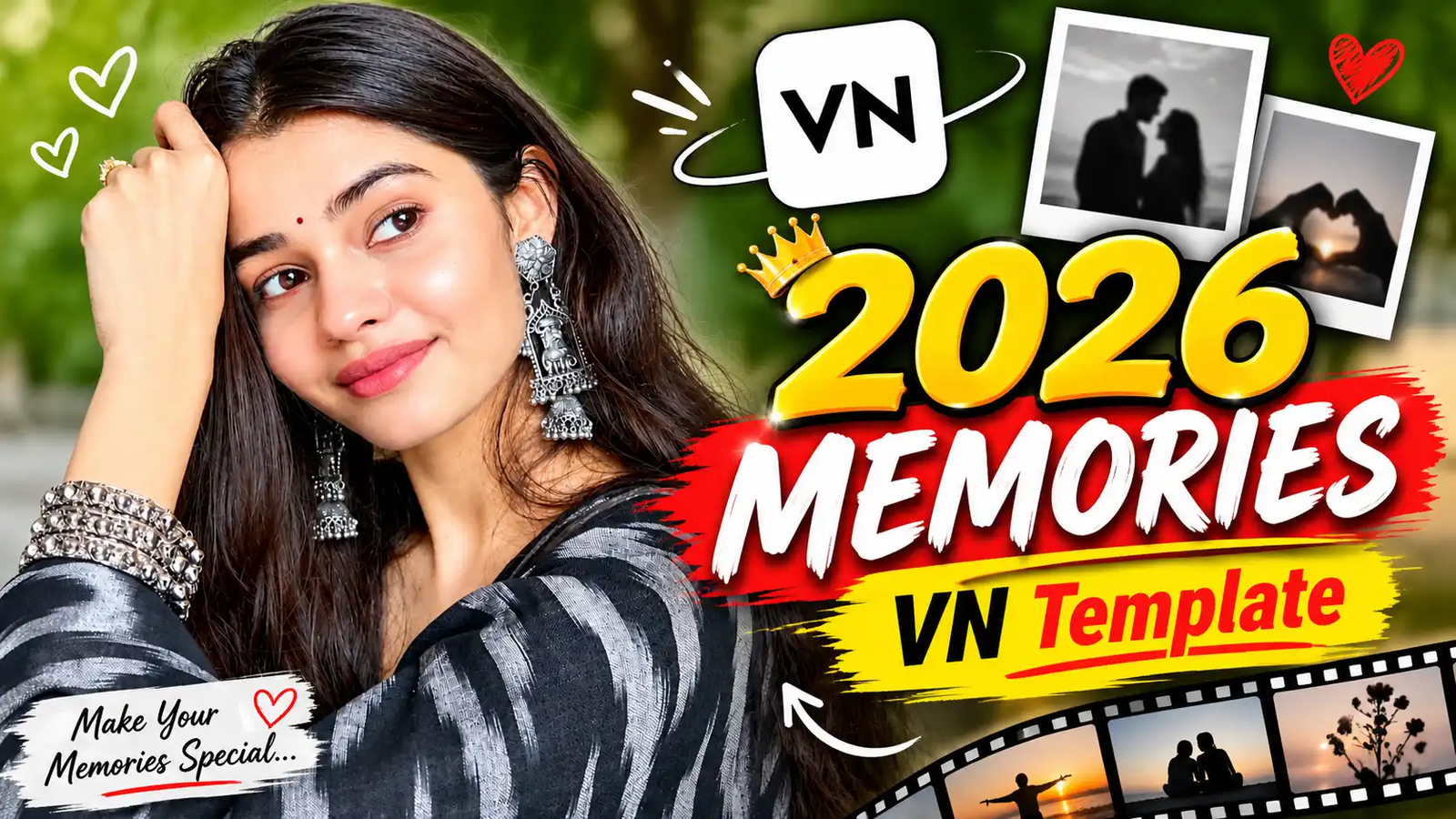
Want to turn your favorite moments of 2026 into a beautiful video? The Trending 2026 Memories VN Template Code is a great way to create a memorable year end video using your favorite photos and video clips. Also see more templates from vn template code You can add your best memories, special moments, and favorite songs to make a video worth sharing.
You want to create an Instagram Reel, YouTube Short, or WhatsApp status, a 2026 memories VN template can help you make an attractive video without spending hours editing.
What Is the Trending 2026 Memories VN Template?
The 2026 Memories VN Template is a video editing style designed to bring your favorite moments together in one short video. It can include photo transitions, beat-sync effects, smooth animations, and background music.
You can use this editing style to show your favorite travel moments, birthday celebrations, family gatherings, friendship memories, and other special experiences from 2026.
Instead of editing every clip from scratch, you can use a compatible VN template if one is available. Simply add your photos or clips, adjust the video, and export the finished result.
Why Is the 2026 Memories VN Template Popular?
Year-end memory videos are a fun way to look back at the moments that made your year special.
1. Beautiful Photo Transitions
Smooth transitions help your photos and video clips flow naturally from one scene to the next.
2. Perfect for Year-End Reels
Create a short video featuring your favorite memories from January to December 2026.
3. Easy Video Editing
A ready-made template can save time by providing a starting point for your video.
4. Share Your Favorite Moments
Post your finished memories video on Instagram, Facebook, WhatsApp, or YouTube Shorts.
5. Personalize Your Video
Choose photos, clips, music, and effects that match your personality and memories.
Trending 2026 Memories VN Template Code
If you are looking for a 2026 Memories VN Template Code, use a verified template link or QR code from its original creator.
Template availability can change, so make sure the link is active and compatible with your version of VN Video Editor. I cannot confirm a currently working code here, so avoid relying on random or unverified codes.
Once you find a compatible template, follow the instructions below to create your video.
How to Use the 2026 Memories VN Template
Follow these simple steps to create your year end memories video.
Step 1: Install VN Video Editor
Install the official VN Video Editor app on your phone if you do not already have it.
Step 2: Find a Compatible Template
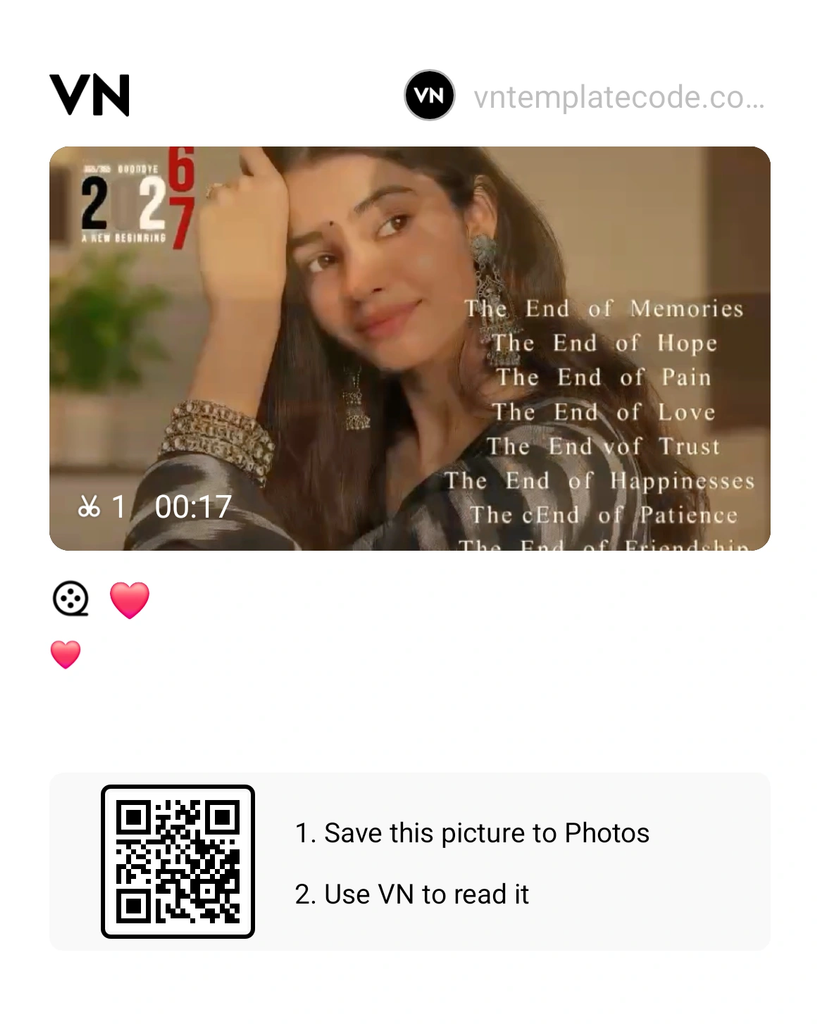
Look for a 2026 Memories VN template shared by its creator. Open the template link or scan its QR code if provided.
Step 3: Select Your Favorite Photos
Choose clear photos and video clips from your 2026 memories. You can include trips, celebrations, selfies, family moments, and pictures with friends.
Step 4: Replace the Sample Clips
If the template supports replaceable media, add your own photos and video clips in the required order.
Step 5: Adjust the Music and Timing
Check that your photos match the beat of the music. You can adjust the clip duration and transitions if the template allows it.
Step 6: Preview Your Video
Watch the entire video before exporting it. Check for blurry photos, unwanted clips, and transitions that do not look right.
Step 7: Export and Share
Export the video at a suitable resolution, such as 1080p if supported by your device and project settings. Share it on your favorite social media platform.
Best Ideas for Your 2026 Memories Video
Try these creative ideas.
Friends Memories Reel
Combine funny pictures, group selfies, birthday celebrations, and memorable moments with your friends.
Couple Memories Video
Create a romantic video using your favorite pictures, special dates, trips, and moments together.
Family Memories Reel
Include family celebrations, holidays, weddings, and everyday moments that made you smile.
Travel Memories Video
Show beautiful destinations, road trips, sunsets, and your favorite travel experiences from 2026.
Personal Growth Video
Create a before-and-after video featuring your achievements, new experiences, and personal milestones throughout the year.
Tips for Creating a Beautiful 2026 Memories Reel
Follow these tips to make your video look more attractive.
Common Problems With VN Template Codes
Sometimes, a template link or QR code may not work as expected. Here are a few possible solutions.
Template link not opening: Check the link and make sure it comes from a reliable source.
QR code not working: Try scanning a clear image of the original QR code or ask the creator for another link.
Photos not fitting correctly: Crop or reposition your pictures to match the template layout.
Video quality looks blurry: Use higher-quality original photos and review your export settings.
Music is missing: Check whether the original template includes audio. You may need to add your preferred music separately.
Template is incompatible: Update VN Video Editor using an official app store and check whether the template supports your version.
Frequently Asked Questions (FAQs)
Conclusion
The Trending 2026 Memories VN Template Code can help you create a beautiful year-end video filled with your favorite moments. Choose your best photos, use suitable music, and add smooth transitions to make your memories stand out.
Find a compatible VN template, personalize your video, and share your favorite memories of 2026 with friends and family.